


Teach Your Monster to Read
3.8644.00 Reviews
App Specs
- Version
- 5.4
- Updated On
- License
- $8.99
- Downloads
- 1,000,000+
- Developer
- Teach Your Monster
- Categories
- Educational
- Platform
- Android, iOS
Screenshots
 Analysis by AppCompare
Hey there, fellow app enthusiast! Today, I’m diving into the world of literacy with the charming educational app, Teach Your Monster to Read. If you’ve got little ones who are just starting their reading journey, this might be the perfect companion for them. I’ve spent some time exploring the app, and I’m excited to share my thoughts with you.
A reading break that fits family life
I can picture this working best as a short, shared-device activity: a child plays while an adult nearby can listen, notice where they hesitate, and offer a hint without taking over. That is more useful than treating it as a screen-time reward or handing over a phone for an entire afternoon. The game gives a child a reason to practise, while a grown-up can turn a tricky sound into a quick conversation.
For example, after school, I’d set aside a few minutes before dinner rather than try to make the game compete with a tired child’s whole evening. If the child is still keen, they can continue; if frustration starts to show, stopping while the experience still feels positive is a better outcome than insisting on a long session. The practical value is in making phonics practice easier to return to, not in replacing an adult’s attention.
One device, more than one child
Shared use calls for a little care. Before a child starts, I’d check whose progress is currently on screen and make sure the right child is playing. In any learning game, mixing up turns can make it harder for a parent to understand what a child has practised, especially when siblings are at different stages. A shared tablet can work well, but I would not assume it automatically keeps every child’s learning separate.
If siblings take turns, a simple household routine helps: agree who is playing, keep turns distinct, and have an adult check the game before switching users. This avoids confusing a younger beginner with a sibling’s later activity and gives each child a clearer sense that the session belongs to them. Families looking for detailed profiles, adult-managed schedules, or household controls should confirm those needs before relying on the game for that purpose.
Fit and expectations
This is a reading practice game, so I’d choose it for a child who is ready to engage with letters and sounds, not as a general-purpose entertainment app for every age. It is rated Everyone, and its educational focus makes it most relevant to early readers and families supporting the first stages of literacy. The right starting point still varies from child to child: a beginner may need someone beside them at first, while a child already reading independently may find the early practice too simple.
I also wouldn’t use a game alone to judge whether a child is progressing well. A child can enjoy the activities and still need a teacher or caregiver to explain a sound, connect it to a book, or notice a persistent difficulty. The strongest routine is a small one: play, talk about a sound that came up, then look for it together in a familiar story or sign.
Worth Reading Before You Choose

EA SPORTS FC Mobile 26 Is a Bigger Football Game, but It Takes Time

Flipboard Shows What News Apps Must Do Beyond the Feed

Switching to Android Auto Means Rethinking Your Driving Routine

Google Calendar Makes a Crowded Week Easier to Manage

Ludo King Makes the Most of the Minutes Between Plans

Baby Panda World Brings Quick Play to Modern Phones, but Its Game Library Feels Busy
For families comparing options, this sits between a paper phonics workbook and a broad collection of children’s games. A workbook is quieter and easier to adapt on the spot, but it asks the child to stay with a page without the game’s playful feedback. General kids’ games can be more open-ended, yet they may not keep reading practice at the center. I’d pick this when a child responds to interactive play; I’d choose a book, teacher-selected exercise, or direct adult practice when they need a slower pace or more explanation.
What to check before making it a routine
It is worth thinking about how the app will fit the household before building a daily habit around it. Will the child use a parent’s phone, a shared tablet, or their own device? Can an adult be nearby for the first sessions? If several children share one screen, can the family keep track of whose turn and learning activity are in progress? These small decisions matter more than setting an ambitious schedule.
The game is made by Teach Your Monster, and its current version is 5.4. It has an average rating of 4.0 from around four thousand ratings, with more than six hundred written reviews and over a million installs. Those figures suggest that many families have tried it, but they do not tell me whether it suits a particular child; the child’s response to phonics practice is a better guide.
It costs $8.99, so I’d weigh that against how often the child is likely to return to it and whether its style suits them. I would not buy it simply because a child enjoys colorful games: the value depends on whether they engage with the reading activities. The listed minimum operating system is version 9, and it was released on June 21, 2016, so it is also sensible to check that the device can run it before planning a routine. It belongs to the educational game category, but its focused purpose makes it a more specific choice than a general learning bundle.
First Impressions
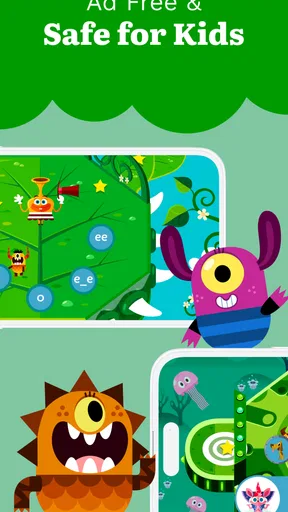
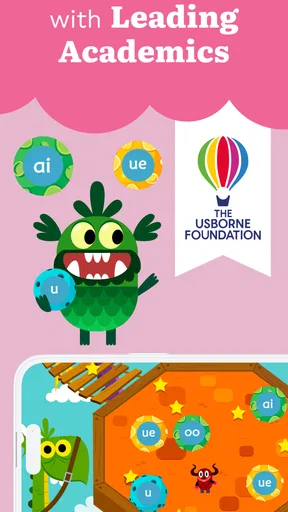
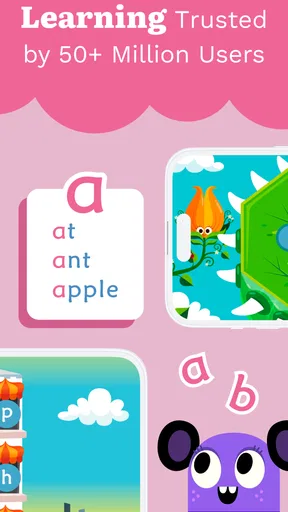
Right off the bat, Teach Your Monster to Read greets you with vibrant colors and adorable monster characters that are sure to captivate any child’s attention. The interface is friendly and intuitive, making it easy for kids to navigate without parental assistance. The app is designed to complement phonics programs used in schools, which is a big plus if you’re looking for an educational tool that aligns with classroom learning.
The Gameplay
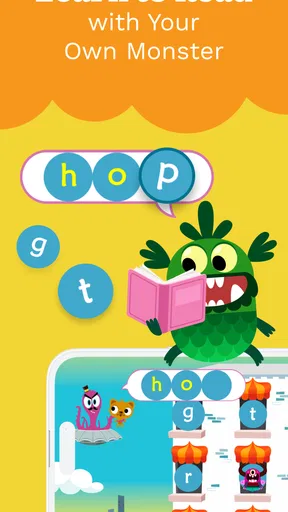
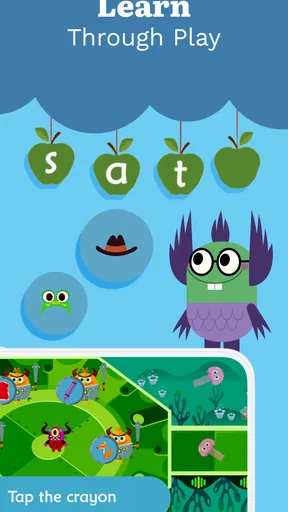
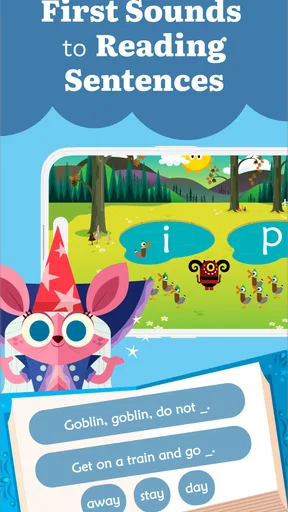
The app is structured around a series of fun, interactive games that take kids on a journey through different levels of reading proficiency. Each level is cleverly designed to teach a specific reading skill, from recognizing letters to blending sounds and eventually reading full sentences. The progression feels natural and keeps kids engaged as they earn rewards and unlock new adventures.
The characters are not only cute but also provide helpful feedback and encouragement, making learning feel like a game rather than a chore. I noticed that the repetition within the games helps reinforce learning, which is crucial for young readers.
Educational Value
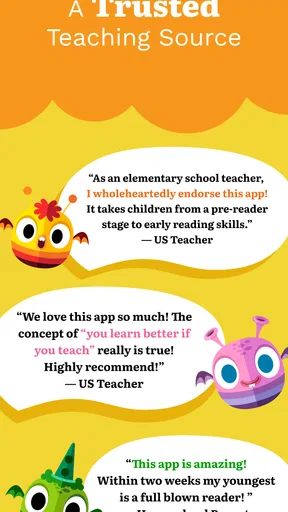
What really stands out about this app is its solid educational foundation. Developed with the help of teachers and reading experts, it covers a wide range of reading skills. Each game is purposefully designed to build phonics and reading comprehension, and it aligns with the school curriculum, which gives it an edge over many other educational apps.
Parents and teachers can track progress through the app’s dashboard, which provides insights into what the child has learned and areas that might need more focus. This feature is particularly helpful for tailoring learning experiences to each child’s needs.
Using it alongside books and schoolwork
I’d use the game as one part of a reading routine rather than as the routine itself. A practical sequence is to let the child play, ask them to explain one sound or word they remember, and then find a similar example in a picture book. That brief bridge from screen to print helps an adult see whether the child is recognizing a pattern beyond the game’s immediate prompts.
It can also be a useful change of pace when a worksheet has become a source of resistance. The interactive format gives the child a different way into the same broad area of learning, although it cannot replace a teacher’s explanation when a particular sound is confusing. If the child repeatedly guesses instead of sounding a word out, I’d pause and practise together instead of assuming that more game time will solve the problem.
What I Loved
One of my favorite aspects of Teach Your Monster to Read is how it manages to keep learning light-hearted and fun. The animations and sound effects are delightful and add an extra layer of engagement. The app also encourages independent learning, allowing kids to explore at their own pace, which fosters a sense of achievement and confidence.
Additionally, the app is available offline, so it’s perfect for those long car rides or flights where internet access might be limited. This flexibility ensures that learning can happen anytime, anywhere.
Small habits that make sessions easier
For a shared device, I’d make the handoff part of the routine: an adult checks who is playing, the child gets a clear turn, and the device returns to its usual place afterward. This is not about adding strict rules to a learning game; it simply prevents one child’s activity from being mistaken for another’s and avoids turning the device into an unplanned source of conflict.
Offline play is especially handy for a journey, but I’d treat it as a backup for purposeful practice rather than a way to occupy every stretch of travel. A child who is tired or carsick may not benefit from a screen-based reading task. A short session at a comfortable moment is more likely to feel like play, while a book, conversation, or quiet rest is a better choice when attention is low.
A Few Considerations
While the app is highly beneficial, there are a few considerations to keep in mind. For instance, some parents might find the initial learning curve a bit steep, especially for children who are complete beginners. However, with a bit of guidance, kids usually adapt quickly.
Also, while the app offers a free version, accessing all features may require a one-time purchase. It’s worth considering if you’re looking for a comprehensive learning tool without ongoing subscription fees.
Who may prefer another approach
I would skip this as the main solution if a child needs highly individualized instruction, loses interest in game-based learning, or is already beyond the early reading material. In those situations, an adult-led activity, a suitable library book, or work chosen by the child’s teacher may be more responsive. A game can encourage practice, but it cannot observe a child’s expression, ask why they chose an answer, or adjust an explanation as a caregiver can.
It is also not my first pick for a household that needs a carefully managed multi-child account arrangement. The shared-device approach can be workable with adult coordination, but families who expect the app itself to handle profiles and boundaries should check that it meets their requirements before paying. That distinction matters: a child-friendly interface is not the same thing as a complete household management system.
The game is rated Everyone, which is reassuring as a general content label, but I’d still decide based on the child’s reading stage and the way they handle screen activities. The app is most compelling when a child enjoys the monster-led format and benefits from repeated practice; it is less compelling when they need patient one-to-one teaching or a different kind of challenge.
Final Thoughts
In summary, Teach Your Monster to Read is a fantastic educational app that makes learning to read a joyful adventure. With its engaging gameplay, solid educational content, and adorable design, it’s an excellent resource for parents and educators alike. Whether your child is just starting out or needs a bit of extra practice, this app offers a fun and effective way to build essential reading skills.
If you’re ready to embark on this monster-filled reading journey, you can find the app available for download on both Android and iOS platforms. Give it a try, and watch as your little ones transform into confident readers!
Pros
- Engaging for young learners.
- Colorful and intuitive interface.
- Free to play with no ads.
- Supports offline play.
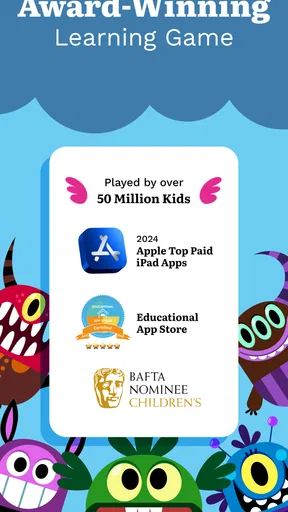
- Award-winning educational tool.
Cons
- Limited to early reading skills.
- Requires initial internet setup.
- No advanced reading levels.
- In-app purchases may be needed.
- Not customizable for older kids.
FAQs for Teach Your Monster to Read
What is Teach Your Monster to Read?
Teach Your Monster to Read is an educational app designed to help young children improve their reading skills through interactive games and fun activities. It covers everything from letter sounds to full sentences, making it a comprehensive tool for early literacy development.
Is Teach Your Monster to Read suitable for all ages?
The app is primarily designed for children aged 3 to 6 years old, focusing on early reading skills. However, older children who are struggling with reading basics might also find it beneficial. It's an engaging way to build foundational literacy skills through play.
Does Teach Your Monster to Read require an internet connection?
Once downloaded, Teach Your Monster to Read can be used without an internet connection, making it perfect for on-the-go learning. However, an internet connection is required for the initial download and any future updates to the app.
Are there any costs associated with Teach Your Monster to Read?
Teach Your Monster to Read is a paid app, but it often goes on sale or is available for free for a limited time. It provides great value, offering a wealth of educational content that can support a child's reading journey without any in-app purchases.
Is Teach Your Monster to Read safe for children to use?
Yes, Teach Your Monster to Read is safe for children. It contains no ads or in-app purchases, ensuring a distraction-free learning environment. The app is also designed with child-friendly navigation, making it easy for young users to explore independently.


